
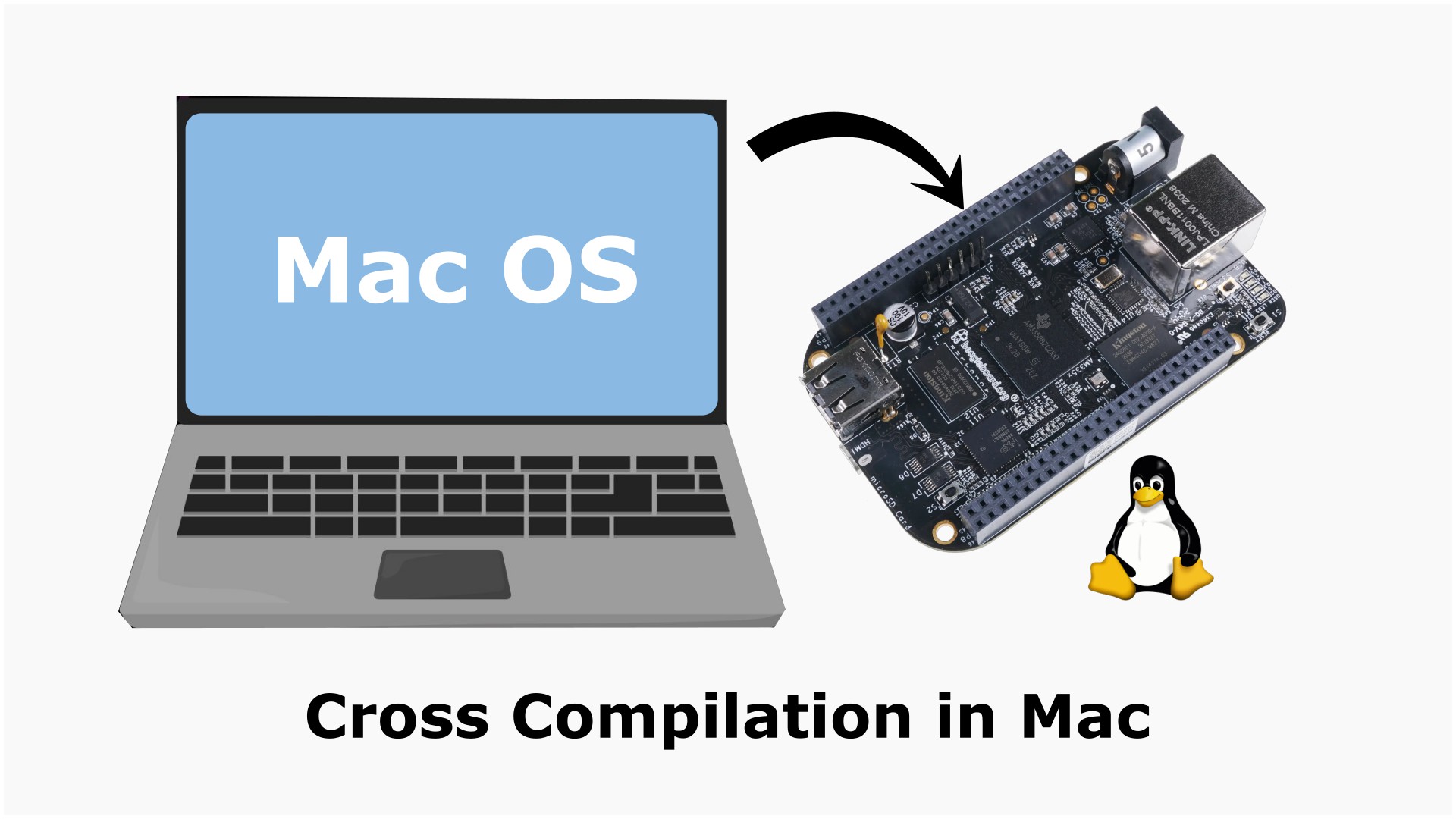
Developing applications directly on a BeagleBone Black is convenient for quick testing, but as projects grow larger, compiling on the board becomes slower and less efficient. A better approach is to use your Mac as the development machine and cross-compile applications for the BeagleBone Black. This allows you to take advantage of your Mac’s processing power while still generating executables that run on the ARM processor of the BeagleBone Black.
In this guide, we’ll set up an ARM cross-compilation environment on an Apple Silicon Mac, compile a simple Hello World program, and verify that the generated executable is built for the BeagleBone Black.
Before starting, make sure you have:
You can verify that Homebrew is installed by running:
brew --version
If Homebrew is not installed, install it from:
The default Homebrew repository does not provide a complete ARM Linux GCC toolchain suitable for BeagleBone Black development. Fortunately, the excellent messense/macOS Cross Toolchains repository provides prebuilt GNU cross-compilers for Apple Silicon and Intel Macs.
First, add the repository:
brew tap messense/macos-cross-toolchains
Homebrew may ask you to trust the tap. If prompted, run:
brew trust messense/macos-cross-toolchains
Now install the ARMv7 Linux GNU toolchain:
brew install messense/macos-cross-toolchains/armv7-unknown-linux-gnueabihf
The installation downloads the complete GCC toolchain along with binutils, GDB, and the required runtime components.
Check that GCC has been installed successfully.
armv7-unknown-linux-gnueabihf-gcc --version
Example output:
armv7-unknown-linux-gnueabihf-gcc (GCC) 15.2.0
Verify the C++ compiler:
armv7-unknown-linux-gnueabihf-g++ --version
Verify GDB:
armv7-unknown-linux-gnueabihf-gdb --version
If all three commands display version information, the cross toolchain has been installed successfully.
Create a file named main.c.
#include <stdio.h>
int main(void)
{
    printf("Hello from BeagleBone Black!\n");
    return 0;
}
Use the ARM cross compiler instead of the native macOS compiler.
armv7-unknown-linux-gnueabihf-gcc main.c -o hello
This generates an executable named hello.
Use the file command to inspect the generated binary.
file hello
Example output:
hello: ELF 32-bit LSB executable,
ARM,
EABI5 version 1 (SYSV),
dynamically linked,
interpreter /lib/ld-linux-armhf.so.3,
for GNU/Linux 5.10.240
This confirms that the executable is:
If the output instead mentions Mach-O, the program was compiled using the native Apple compiler rather than the ARM cross compiler.
Use scp to copy the executable to your board.
scp hello debian@192.168.7.2:~
Replace the IP address if your BeagleBone Black uses a different address.
Log in using SSH.
ssh debian@192.168.7.2
Make the program executable:
chmod +x hello
Run it:
./hello
Expected output:
Hello from BeagleBone Black!
Congratulations! You have successfully built an ARM Linux application on your Mac and executed it on your BeagleBone Black.
Cross compilation offers several advantages over compiling directly on the BeagleBone Black.
This workflow is widely used in professional embedded Linux development because it separates the development environment from the target hardware while still producing native executables for the embedded system.
If you’ve followed older BeagleBone Black or Embedded Linux tutorials, especially those created several years ago, you’ll notice that most instructors recommend downloading prebuilt GNU/Linux cross-compilers from the Linaro Releases website. For many years, Linaro was the preferred source for ARM cross-compilation toolchains, and their GCC packages were widely used throughout the embedded Linux community.
However, the ecosystem has changed over time. The original Linaro binary release infrastructure has been archived, and active development of the GNU Arm toolchain has transitioned under Arm’s stewardship. Today, the official Arm Developer website primarily provides toolchains for bare-metal (arm-none-eabi) development, which are intended for microcontrollers such as STM32, LPC, and NXP devices.
If you visit the Arm Developer downloads page today, you’ll find macOS versions of the Arm GNU Toolchain targeting bare-metal development, but you won’t find a prebuilt arm-linux-gnueabihf toolchain for macOS hosts. In other words, Arm currently provides excellent support for cross-compiling bare-metal applications on macOS, but not a ready-to-use GNU/Linux cross-compiler suitable for boards like the BeagleBone Black.
Because of this, many developers previously relied on older Linaro binaries, attempted to build GCC from source, or maintained their own cross-compilation environments. Fortunately, the open-source community now provides an easier alternative.
The messense/macOS Cross Toolchains project distributes prebuilt GNU/Linux cross-compilers through Homebrew for both Apple Silicon and Intel Macs. These toolchains include GCC, G++, Binutils, and GDB, making them an excellent choice for developing Linux applications for ARM boards such as the BeagleBone Black without the complexity of building a complete cross-compiler yourself.
This is the approach used throughout this guide because it provides a modern, actively maintained, and straightforward setup for macOS developers.
Now that the cross compiler is working correctly, you’re ready to begin developing embedded Linux applications for the BeagleBone Black. Typical next steps include:
With the cross-compilation environment in place, your Mac becomes a powerful development workstation while the BeagleBone Black remains dedicated to testing and running your embedded Linux applications.
Prefer a visual walkthrough? Watch the accompanying YouTube video where I explain why an official ARM Linux cross-compiler for macOS is no longer available, discuss the alternative toolchain, and outline the overall setup process for BeagleBone Black development.
Watch here:
If you find the article helpful, consider watching the video as well—it complements this guide with additional context and practical tips before you begin the installation.

Your information will never be shared with any third party